LakeSentry Is Now Available as a Databricks App
LakeSentry, the cost observability platform for Databricks, is now available as a native Databricks App on the Marketplace. What it means, and where it runs.
LakeSentry is now a native Databricks App, installable straight from the Databricks Marketplace. Databricks opened the Marketplace to third-party apps at Data + AI Summit 2026, and LakeSentry was one of the launch apps.
LakeSentry gives Databricks teams cost observability: it attributes spend across workspaces, flags cost anomalies before the invoice does, and surfaces what to optimize. As a Databricks App, all of it now runs inside your own account.
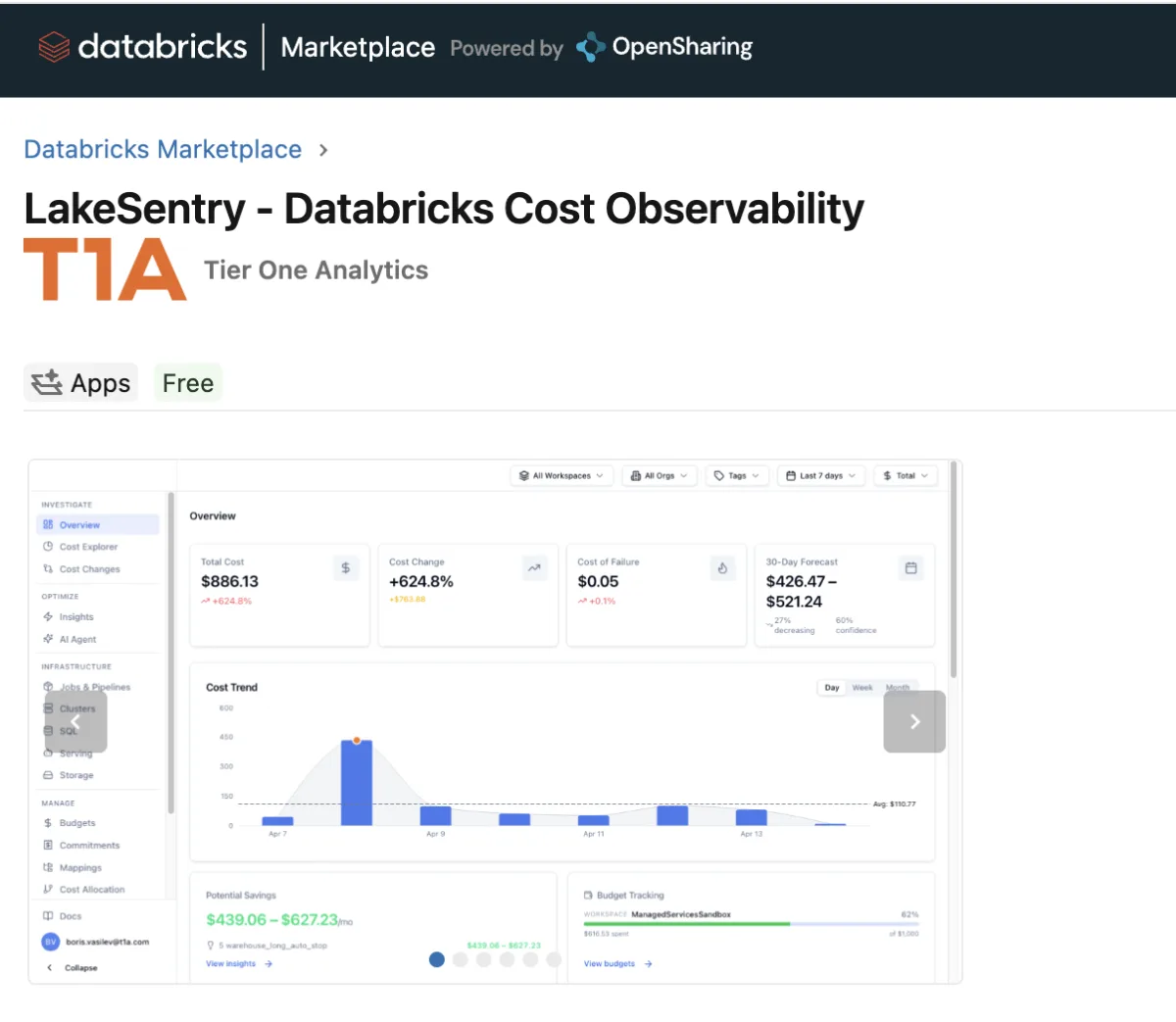
Built on Databricks, Running in Your Account
LakeSentry runs entirely on the Databricks Apps runtime, in your own workspace. Its backend is PostgreSQL, so it keeps its cost ledger in a Databricks Lakebase database you own and govern under Unity Catalog. Usage data, query text, and credentials never leave your account. The only thing that does is a periodic license check.
That makes it a clean fit for teams that need their cost data to stay in their environment, often to clear a security review. The attribution, anomaly detection, and optimization are identical to our hosted SaaS; only the boundary moves.
Get Started
Install LakeSentry from the Databricks Marketplace, or see the LakeSentry Databricks App page for the architecture and a step-by-step install. Cost observability — now native to Databricks.
Bring cost observability into your own Databricks account
Install the LakeSentry app from the Databricks Marketplace. Every component runs in your workspace, and your data never leaves it.
Related reading
We built LakeSentry to give Databricks teams transparency into cost, usage, and adoption — so they understand what's happening and can act safely.
How Lakebase projects, branches, and replicas fit together, what its two Autoscaling billing meters charge for, and four gotchas from running it in production.
All-purpose compute costs roughly 2–3x more per DBU than jobs compute for the same workload. Here's when each fits, and how to see which one your jobs are running on.
Evaluating Databricks cost tools? Compare them side by side →